
Download the Dunfermline Taxi App
Free for iPhone and Android phones. Install it, create your account and book a taxi in Dunfermline now or for later.


- Free
- iPhone (iOS 16.4 or later)
- Android phones
- UK App Store and Google Play

Dunfermline Taxi App for iPhone and Android
Both versions let you book now or schedule ahead, see your fare before you pay, and keep your upcoming and previous bookings in one place.
On iPhone
- Requires iOS 16.4 or later.
- Only for iPhone, as on the App Store listing.
- Pay by card, or with Apple Pay.
- Free on the UK App Store.
On Android
- For Android phones, from Google Play.
- Pay by card.
- Free on Google Play in the UK.
You pay in the app after you accept your fare. Your booking enters dispatch only after Stripe confirms the full payment.
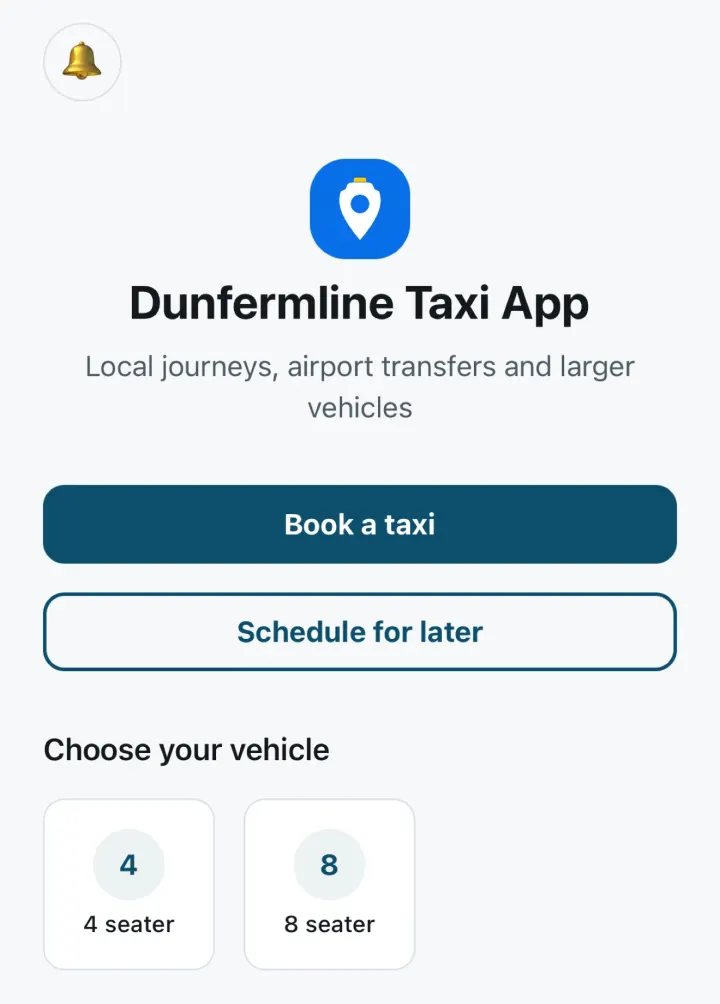
Check you’ve got the right app
The buttons on this page open the app’s own store listings. If you search the store yourself, these details tell you it’s the right one.
- App name
- Dunfermline Taxi App
- Icon
- Blue, with a white map pin and a yellow taxi roof light (the icon at the top of this page)
- Developer on both stores
- The company that operates the Dunfermline Taxi App. Its name is in the footer of this page and in the company details on our About page.
- Subtitle on the App Store
- Local taxi booking
- Price
- Free
- Category
- Travel on the App Store, Travel & Local on Google Play
- Age rating
- 4+ on the App Store, PEGI 3 on Google Play
- Language
- English
- Where it’s listed
- The UK App Store and Google Play in the UK
- Available since
- October 2026
From download to your first booking
Setting up takes four steps, and you only do the first three once.
Install the app
Use the App Store or Google Play button at the top of this page, then open the app on your phone.Create your account
Enter your name, email address, phone number and a password of at least 8 characters.Confirm your email address
Then sign in. If the confirmation doesn’t arrive, you can ask for it again from the sign-in screen.Book your first taxi
Tap Book a taxi or Schedule for later, enter your pickup and destination, then accept your fare and pay in the app.
You need to be signed in to book. Help, privacy information and the terms can be read in the app without an account.
Bookings are made in the app. There’s no booking form on this website.
See every step in how booking a taxi works, including how your fare is shown before you pay.
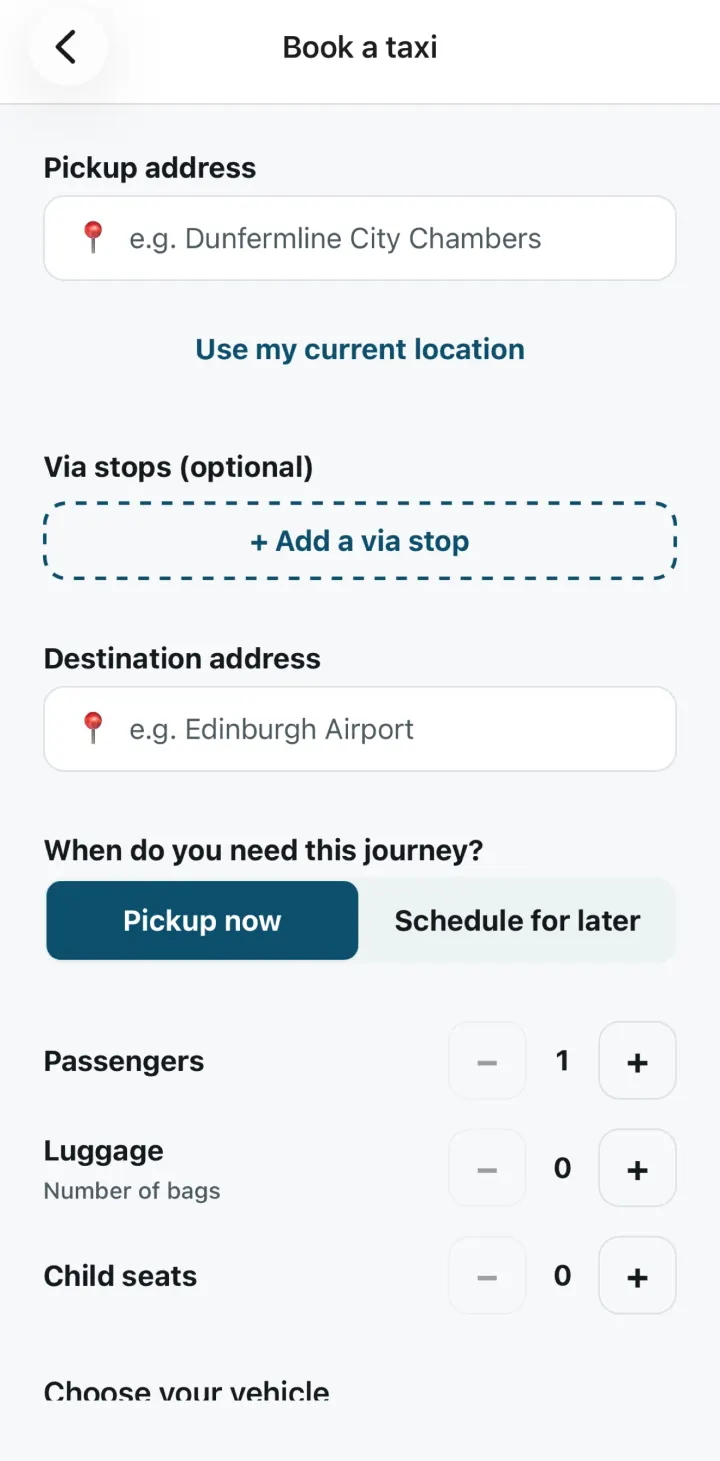
Location, notifications and camera
What the app uses on your phone, and when.
Location is optional
It’s used only when you tap Use my current location to attach your position to a pickup, and never in the background. You can type the address instead.Notifications
The app sends booking-status notifications. You can allow them, or turn them off, in your phone’s settings.Camera on iPhone
On iPhone, the camera is used only if you choose to scan a card.
Your data and your account
The app has no advertising tracking, and your data is not sold. Card and Apple Pay details go directly to Stripe and are never stored by the app.
To delete your account, open Account and privacy from the app’s home screen, then tap Request account deletion and confirm. Removing the app from your phone doesn’t delete your account. If you no longer have the app, follow the steps on Delete your customer account.
The privacy notice explains what the app collects, why, and how long it’s kept.
Questions about downloading
Is the Dunfermline Taxi App free?
Yes. It’s free to download from the App Store and Google Play. You pay for each journey in the app, after you’ve seen and accepted the fare.
Which phones does it work on?
iPhones with iOS 16.4 or later, and Android phones, from Google Play. On Apple devices the app is for iPhone only.
Can I book a taxi on this website?
No. Bookings are made in the app. There’s no booking form on this website.
Can I book for more than 4 people?
The standard car takes up to 4 passengers. For 5 to 8 passengers, get a WhatsApp quote for an 8-seater. When you choose the 8 seater in the app, it opens WhatsApp with a quote request ready to fill in. More about group journeys
I can’t find the app in the store. What should I do?
Use the App Store or Google Play button at the top of this page. Each one opens the app’s own listing, so there’s nothing to search for. The app is listed in the UK App Store and on Google Play in the UK.
More answers about booking, fares and payment are in the FAQs.
Need help with the app?
If the app won’t install, you can’t sign in or something isn’t working, contact support on WhatsApp or by phone.
The number is for help with the app, a booking, your account or a payment. More ways to get help are on the support page.
Get the Dunfermline Taxi App
Free on the App Store for iPhone and on Google Play for Android phones.