
Local taxi booking for Dunfermline, Fife
Book a taxi in Dunfermline with the Dunfermline Taxi App
Book now or schedule ahead, see the fare before you pay, and pay by card, or Apple Pay on iPhone.


- Free
- iPhone (iOS 16.4 or later)
- Android phones
- UK App Store and Google Play

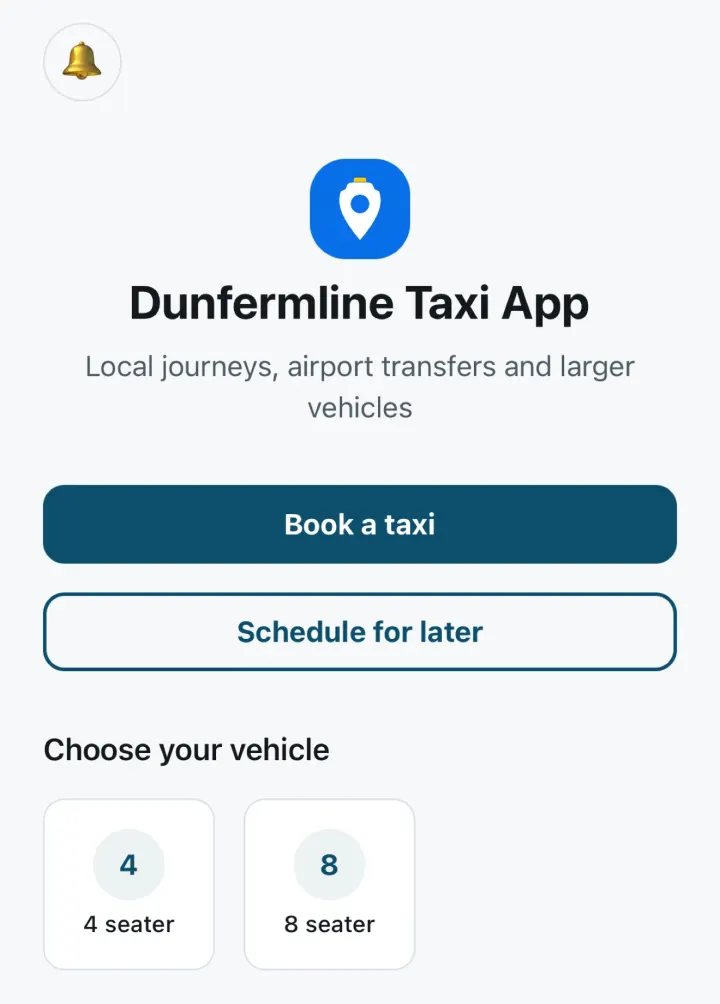
Book a taxi in Dunfermline in three steps
Everything happens in the app on your phone, from choosing your pickup to paying for the journey.
Get the app and create your account
Download the free Dunfermline Taxi App from the App Store or Google Play. Sign up with your name, email, phone number and a password, then confirm your email address.
Enter your journey and choose when
Type your pickup address and choose a suggestion, or tap Use my current location. Add your destination and up to 3 stops on the way, then choose Pickup now or Schedule for later.
Accept your fare and pay in the app
Check the fare and accept it, then pay by card, or Apple Pay on iPhone. Once a driver is assigned, you’ll see their name, the vehicle’s make, model and colour, and its registration.
Bookings are made in the app. There’s no booking form on this website. App requirements and more screenshots are on the download page.
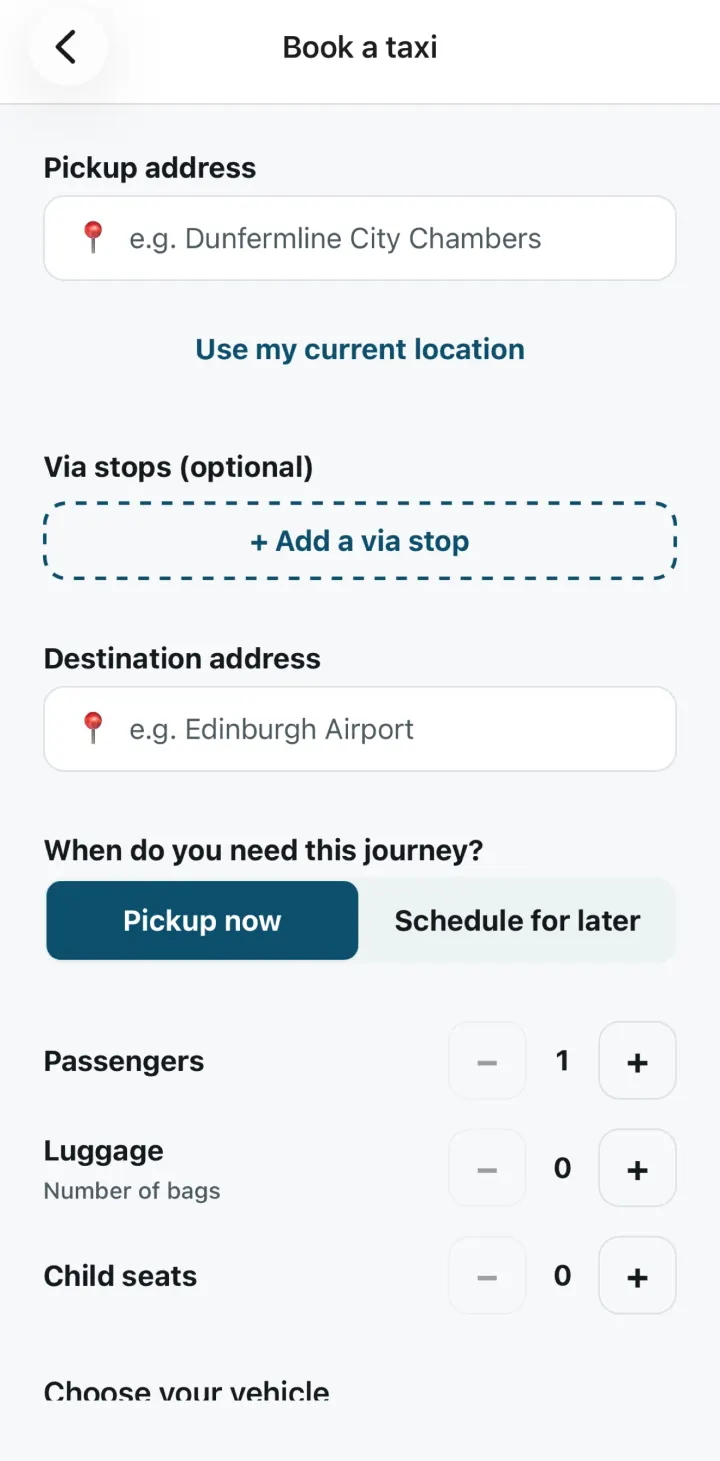
What you can do in the Dunfermline Taxi App
Book and manage your Dunfermline taxis from one app, with the fare shown before you pay.
Book now or for any of the next 7 days
Tap Book a taxi for a pickup now, or Schedule for later. Schedule a pickup for any day in the next 7 days, including today, in 30-minute slots from 07:00 to 22:30 (UK time).
See the fare before you pay
The app shows your fare before you pay. Accept it to continue, or decline it and the booking is cancelled at no charge. If a journey can’t be priced automatically, our team sends the fare to the app. See how fares work.
Pay by card or Apple Pay
Pay in the app by card, or with Apple Pay on iPhone. Card and Apple Pay details go directly to Stripe and are never stored by the app.
Driver and vehicle details
Once a driver is assigned, the app shows the driver’s name, the vehicle’s make, model and colour, and the registration, so you know which car to look for.
Booking-status notifications
The app sends audible booking-status notifications to your phone, and each booking’s details stay in the app.
Upcoming and previous bookings
See your upcoming and previous bookings in one place.
Choose your vehicle
The standard car takes up to 4 passengers. For 5 to 8 passengers, get a WhatsApp quote for an 8-seater.
4 seater
Standard car for up to 4 passengers, booked in the app.
Choose it when you book, say how many passengers and bags are travelling, and add a note for the driver of up to 200 characters if you need to.
8 seater
Group vehicle for up to 8 passengers. Ask for a quote on WhatsApp.
It isn’t booked in the app. Choose it in the app, or use the button below, and WhatsApp opens with a message ready for your pickup, destination, passengers, luggage, time and any notes.
You can request child seats when you book. The request is passed to our dispatch team as a note, and it doesn’t confirm that a seat will be provided.
Travelling to or from Edinburgh Airport?
Choose Schedule for later to book your journey to or from Edinburgh Airport for any of the next 7 days, including today.
Airport drop-off and parking charges will be included in your confirmed fare where applicable.
about 16 miles by road between Dunfermline City Chambers and Edinburgh Airport
Places around Dunfermline
Places to set as a pickup, and how far some are by road from the city centre. Our Dunfermline pickups guide has more on each one, with tips for setting an accurate pickup.
Places to set as a pickup
- Dunfermline City station (formerly Dunfermline Town)
- Dunfermline city centre
- Dunfermline Queen Margaret station
- Queen Margaret Hospital
| Place | Distance from Dunfermline City Chambers |
|---|---|
| Queen Margaret Hospital | about 2.1 miles by road |
| Dunfermline Queen Margaret station | about 2.2 miles by road |
| Fife Leisure Park | about 3.4 miles by road |
| Edinburgh Airport | about 16 miles by road |
Approximate road distances from Dunfermline City Chambers, estimated from OpenStreetMap data (© OpenStreetMap contributors). Your fare is shown in the app before you pay.
Sources
- Wikipedia: Dunfermline City railway station
- OpenStreetMap: Copyright and licence
Local information last checked 15 October 2026.
Bookings from Dunfermline and nearby towns
You can book taxis from Dunfermline, Rosyth, Inverkeithing, North Queensferry and Dalgety Bay in the app.
Your privacy
A short summary of how the app treats your location and data. The privacy notice has the full details.
Location is optional and used only when you attach your current position to a pickup. The app does not use location in the background.
The app has no advertising tracking, and we don’t sell your data.
To delete your account, open Account and privacy from the app’s home screen and choose Request account deletion, or see how to delete your account without the app.
Questions about booking a taxi in Dunfermline
Is there a taxi app for Dunfermline?
Yes. The Dunfermline Taxi App is a free app for booking a local taxi in Dunfermline. It’s on the App Store for iPhone (iOS 16.4 or later) and on Google Play for Android phones.
Can I book a Dunfermline taxi online?
You book in the app on your phone. There’s no booking form on this website, so download the app, create your account and book now or for later.
Can I pay for my taxi by card?
Yes. You pay in the app by card, or with Apple Pay on iPhone, before the journey. Your booking enters dispatch only after Stripe confirms the full payment.
When is my booking confirmed?
A submitted request is not guaranteed until the app confirms the booking or a member of the team confirms it with you.
Need help?
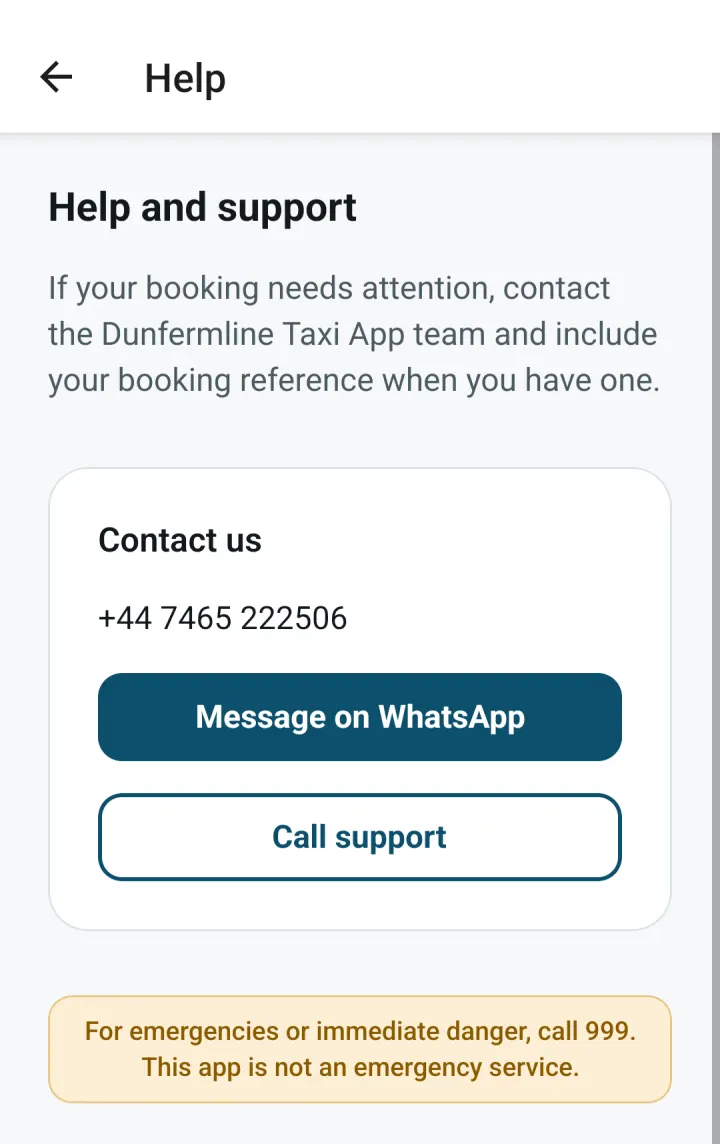
Our support team can help with the app, a booking, your account or a payment. Message us on WhatsApp or call +44 7465 222506.
The app is not an emergency service. If someone is in immediate danger, call 999.
The Dunfermline Taxi App is run by a private limited company registered in Scotland. Read more about the Dunfermline Taxi App or visit the support page.
Get the Dunfermline Taxi App
Free on the App Store for iPhone and on Google Play for Android phones. Download it, create your account and book a taxi in Dunfermline now or for later.